Select a calendar or add a new calendar
Use the Plan tab to select or add a new calendar when planning work shifts for teams of employees. Each team’s shifts are held in a calendar within a work area.
For example, calendars could be ‘Headquarters’ and ‘Factory’ in the work area of ‘Manchester’. Each calendar holds teams made up of employees.
- Open the Plan tab and click
 to display the area dropdown.
 - Either:
or
- Select an existing work area to work with:
- Click
 and start typing the name of the area you want to work with:
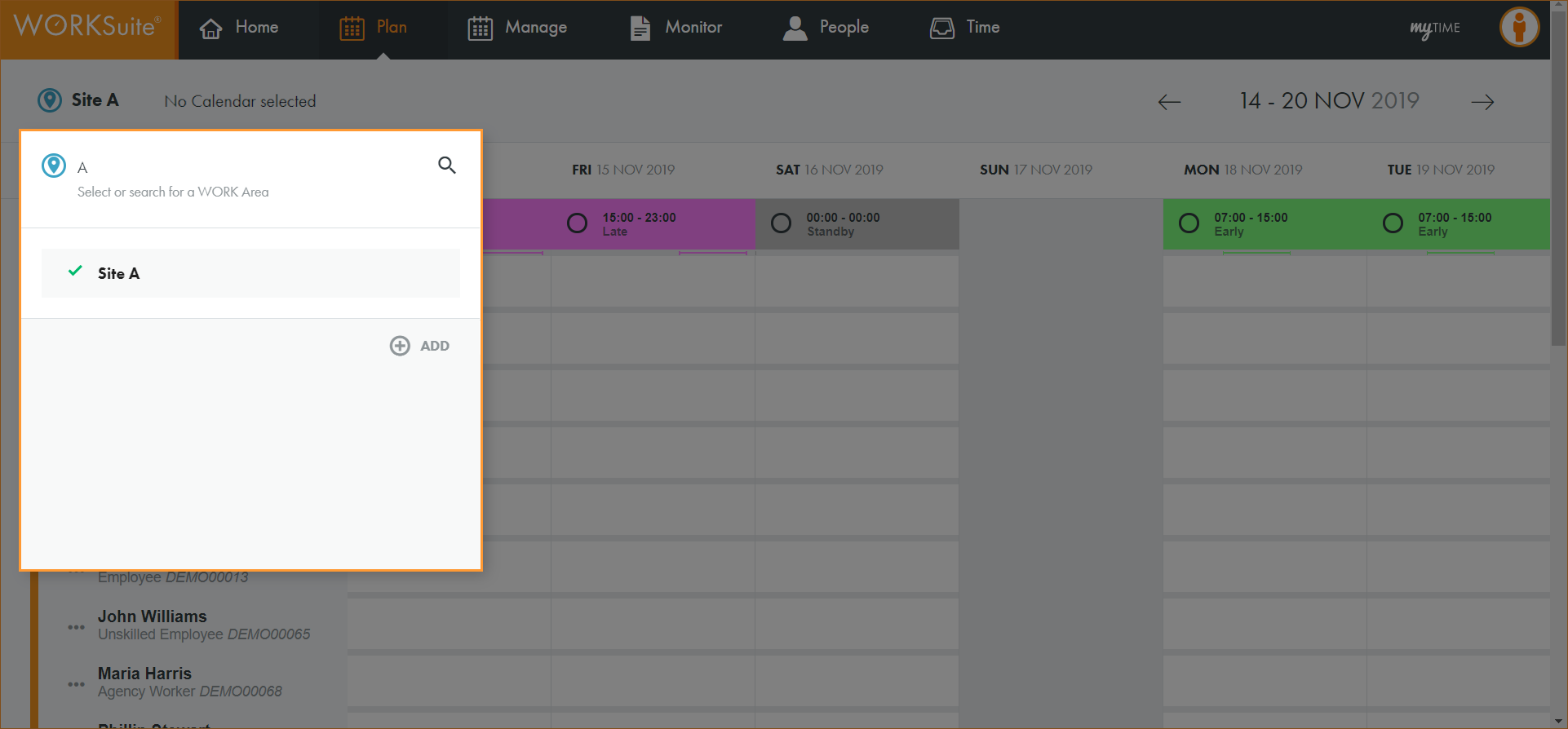
The list of areas is filtered.
- Click on an area in the list to select it.
The calendar search box is displayed:
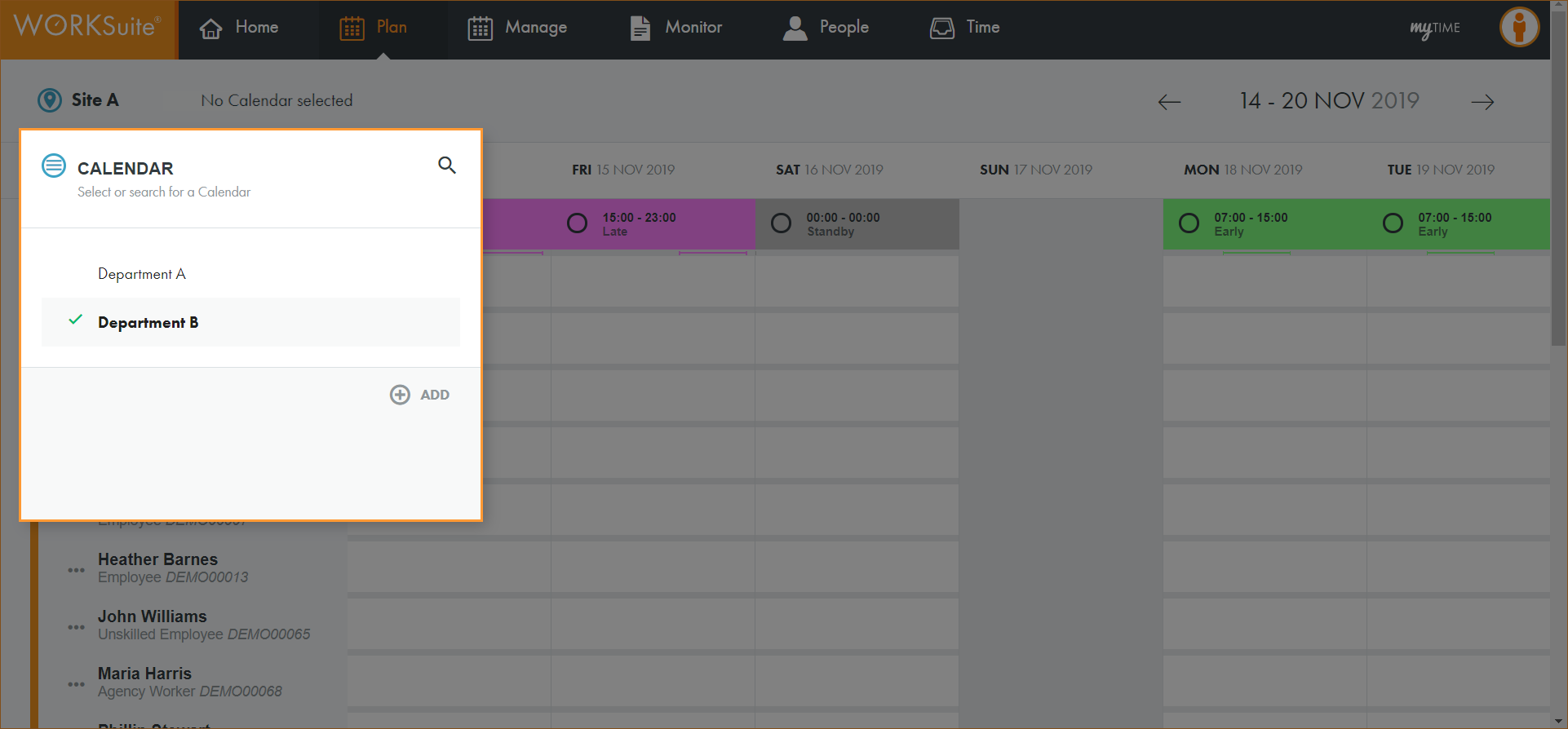
- Either:
 Select a calendar from the list.
- Click and start typing the name of the calendar you want to work with.
The list of calendars is filtered.
- Click on a calendar in the list to select it.
or
Click ADD to add a new calendar.
- Enter a clear and concise name for the calendar:
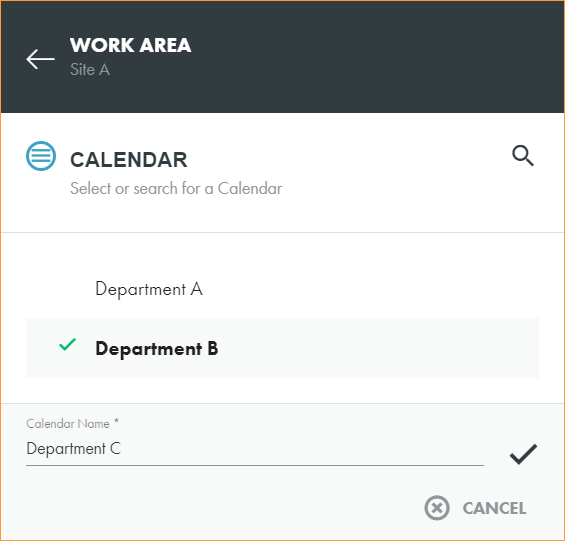
- Click
 to save.
The calendar search box closes.
- Refresh the page.
- Click No Calendar selected in the header to display the new calendar.
- Select the calendar that you want to work with.
- You are now ready to import a team and team shift pattern into the calendar.